
How to Choose White-Label Software for Your Business
Short answer
Evaluate white-label software on six things, in this order: a live demo of the workflows you run daily, the written licence scope, whether source code is included, how deep the rebranding goes, where the application and database are hosted, and which payment and messaging integrations your market actually needs.
White-label software lets you deploy a proven, branded product without starting development from scratch. But not every white-label offer is equal — license terms, code access, and hosting models vary widely between vendors. This guide gives you a practical checklist to evaluate any white-label product before you pay, whether you buy from TechDino or anyone else.
1. Always Test the Live Demo First
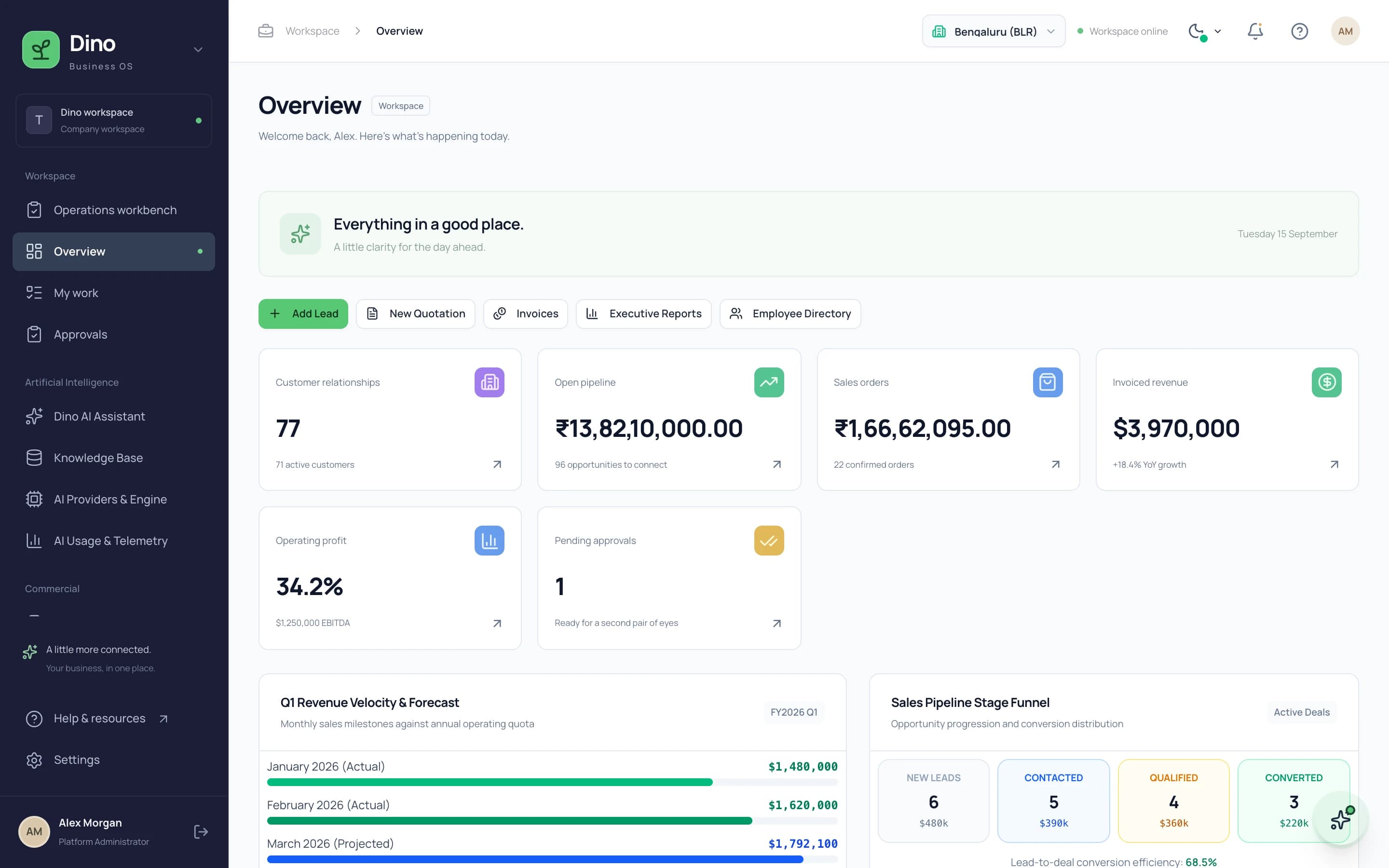
Never buy white-label software from screenshots alone. A serious vendor gives you a working demo covering the customer side and the admin panel. Test the exact workflows your business runs daily: create a record, take a booking, generate an invoice, check the reports. If a vendor cannot show a live demo, treat that as a red flag.
2. Understand the License Scope
- Single-business license: you deploy the product for your own company only.
- Client-deployment license: agencies deploy branded copies for their clients.
- Reseller license: you may resell the product itself — usually a separate, written contract.
- Check redistribution limits: most licenses prohibit reselling the raw source code.
Read how source-code licensing works before comparing prices — a cheap product with a restrictive license often costs more later.
3. Source Code is Always Included
Many vendors offer three models: SaaS-style, deployed-only, or source-code included. TechDino provides the source-code included model. You receive the applicable codebase for the purchased scope and can modify it, which supports long-term independence from any single vendor.
4. How Deep Does the Branding Go?
- Logo and colors only — the minimum, often not enough.
- Your own domain and app name across web, emails, and invoices.
- No vendor branding visible to your customers anywhere.
- Mobile apps published under your own developer accounts.
5. Hosting and Data Ownership
Ask where the application and database will live. Deploying on your own VPS or cloud account means you own the infrastructure and the data, and you are not locked to the vendor's servers or per-user pricing. TechDino products deploy on client-owned servers by default — see our terms for how hosting responsibility is split.
6. Integrations and Local Payment Gateways
Confirm the product supports the payment gateways and messaging channels your market actually uses — Razorpay/UPI for India, Stripe or PayPal for international markets, WhatsApp Business API for customer notifications. Integration costs from third parties (gateway fees, SMS/WhatsApp usage) are billed by those providers, not the software vendor.
7. Support Window and Customization Path
Ask three questions: how long is the included bug-fix window, what does a typical customization cost, and who fixes issues after handover? A clear written answer to all three separates professional vendors from one-off script sellers.
Browse TechDino's ready-made white-label products — every product has a live demo, clear licensing, and deployment on your own infrastructure. Or book a free demo to walk through one with us.
Evaluating the Provider, Not Just the Product
The product can be right and the engagement still fail. Score the vendor separately:
- Is there a named person accountable for delivery, or only a sales contact?
- Can they show the product running for a real workflow, not a scripted demo path?
- Do they answer scope questions in writing, or deflect them to a call?
- What is included after launch — warranty period, bug fixes, and how support is priced?
- What does handover contain: source code for the agreed scope, database schema, environment configuration, documentation?
- How are change requests priced? Every project has them.
How to Verify a Live Demo Properly
Most buyers watch a demo. Watching is not verifying. Ask to drive it yourself and run this sequence:
- Create a record from scratch — a booking, a patient, an order — and follow it to completion.
- Break it deliberately. Submit an incomplete form and see whether the error message is useful or a crash.
- Open the admin panel and find a report you would actually read weekly.
- Test on a phone. Staff will use it on a phone whatever the demo laptop suggests.
- Try the exception your business hits constantly — the partial payment, the cancellation, the reschedule. Happy paths always work.
- Ask what happens to data if you leave. The answer tells you how the relationship is designed.
If a vendor will not let you drive the demo yourself, that is the finding. TechDino product pages link live demos directly — see the product catalogue.
Apply this checklist to the TechDino catalogue, where each product page lists the applications included, the source-code scope and a live demo you can test against these criteria.
Frequently Asked Questions
Is white-label software legal to rebrand?
Yes, when the license explicitly grants rebranding rights. The license document should state that you may present the product under your own brand — verify this in writing before purchase.
What is the difference between white-label and open-source?
Open-source software has a public license and community code; white-label software is commercial code sold with rebranding rights. White-label products typically include vendor setup, branding, and support that open-source projects leave to you.
Should I choose white-label or custom development?
If a ready product covers the required standard workflows, white-label is faster and cheaper; if your process is genuinely unique, custom development fits better. See our comparison of ready-made vs custom software.
Explore Next
- See our ready-made white-label software products
- Learn about our custom software development
Need Setup or Custom Coding?
Get in touch to rebrand or customize our ready-made products, or discuss custom development services. All quotes are customized and private.
Related Articles
What Is White-Label Software? Definition, Examples, and How It Works
White-label software is a finished product built by one company and rebranded and sold by another. Here is how it works, how it differs from SaaS and custom builds, and when it fits.
Ready-Made Software vs SaaS Subscriptions: Which Fits Your Business?
A licence you buy once versus a subscription you pay forever. The right answer depends on how long you will run the system and how much control you need over data and cost.