
Multi-Tenant School Management SaaS Architecture: How to Build and Scale an EdTech Platform
Short answer
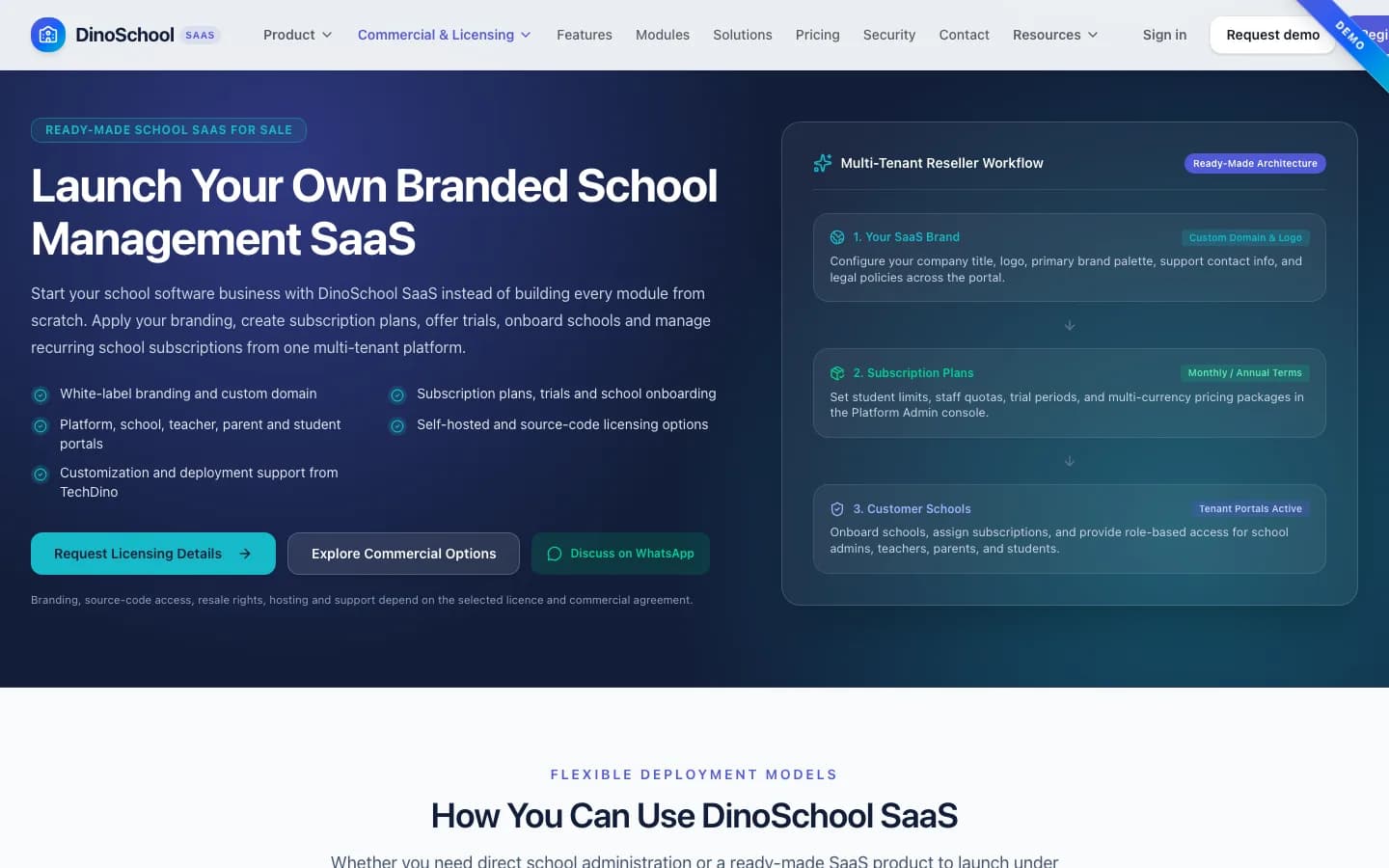
Multi-tenant school management SaaS architecture enables software providers to host multiple independent educational institutions on a single software cluster while maintaining complete tenant data isolation. Each school receives its own custom subdomain, branding, role-based portals for administrators, teachers, students, and parents, and automated subscription billing without requiring separate codebase deployments.
Educational institutions worldwide are shifting from outdated on-premise software to cloud-based school management platforms. For software entrepreneurs, regional IT consultants, and system integrators, building a multi-tenant school SaaS presents a major commercial opportunity. Instead of maintaining dozens of separate custom codebases, a multi-tenant model allows you to operate a centralized subscription service serving numerous schools simultaneously.
Core Tenancy Isolation Models in EdTech
When architecting a multi-school SaaS platform, selecting the right data partitioning strategy is critical for student privacy, regulatory compliance, and system performance. The three primary database tenancy models include:
| Tenancy Model | Data Isolation Level | Operational Overhead | Hardware Cost |
|---|---|---|---|
| Shared Database, Shared Schema (Row-Level) | Logical separation via School/Tenant ID | Lowest maintenance overhead | Most cost-effective |
| Shared Database, Separate Schemas | Schema-level isolation per school | Moderate migration complexity | Balanced resource usage |
| Dedicated Database Per Tenant | Physical database separation | Higher infrastructure management | Highest cost per institution |
Our production-tested DinoSchool SaaS Platform utilizes indexed row-level tenant security in PostgreSQL and Prisma ORM. Every query automatically resolves against the authenticated institution tenant context, preventing data cross-contamination while keeping infrastructure resource consumption predictable.
Key Portals Required in Modern School SaaS
A complete school software ecosystem requires distinct, responsive portals tailored to different stakeholder workflows across web and mobile viewports:
- Master Platform Admin: Central console for SaaS operators to manage school subscriptions, trial periods, tenant onboarding, domain mappings, and platform revenue metrics.
- School Principal & Admin Dashboard: Institutional operations covering student admissions, fee structures, staff payroll, timetable scheduling, and official report cards.
- Teacher Console: Grade recording, subject syllabus tracking, daily digital attendance, and assignment distribution with file attachments.
- Student & Parent Portal: Real-time exam results, fee payment receipts, attendance percentage tracking, and institution circulars accessible on smartphones.
Single-School Software vs Multi-Tenant SaaS
Understanding when to deploy a dedicated single-school software versus a multi-tenant platform is essential for technical planning. A dedicated single-instance deployment like our School Management Software is optimal for large standalone universities that require private database servers. In contrast, multi-tenant SaaS is designed for software resellers launching subscription services across multiple regional private schools.
The architectural difference shows up first in your support load, not your code. A single-school deployment lets you change a fee rule for one institution without regression-testing anyone else; a shared multi-tenant schema means every change is a change for all tenants at once. That is the real trade you are making: multi-tenancy buys operational leverage across many schools and costs you the freedom to make one-off changes casually.
Infrastructure & Deployment Best Practices
Running a multi-tenant EdTech platform requires reliable cloud hosting. We recommend deploying the Node.js or Next.js backend on containerized VPS instances (such as AWS EC2, DigitalOcean Droplets, or Hostinger VPS) behind an Nginx reverse proxy with automated SSL certificate provisioning for tenant subdomains.
Plan tenant onboarding as a product feature rather than a manual runbook. Provisioning a new school involves creating its data space, seeding classes and fee heads, configuring branding and issuing the first admin account — perfectly manageable for the first five tenants and a bottleneck by the twentieth. Platforms that automate this step early are the ones that can afford to run trials, because a trial that costs an hour of founder time is not a trial.
Frequently Asked Questions
Launching Your EdTech Platform
Launching an EdTech platform from scratch typically takes 6 to 9 months of complex engineering. By starting with a proven white-label foundation like DinoSchool SaaS and deploying on your client-controlled VPS, you can launch a fully branded school management SaaS on an estimated two-week schedule once scope, assets and access are confirmed.
Frequently Asked Questions
Can each school use its own custom domain or subdomain?
Yes. The multi-tenant architecture supports automated subdomain routing (e.g., greenwood.yourschoolsaas.com) as well as custom CNAME domain mappings for premium institutional tiers.
How are student fee payments and payouts processed?
Each school tenant can connect its own payment gateway credentials (such as Stripe, Razorpay, or Paystack) so tuition fees deposit directly into the institution bank account.
Is source code included for the platform administration and school apps?
Yes. TechDino provides the complete applicable source code for the platform admin panel, school portal, REST API backend, and database schemas under a commercial grant.
How long does it take to deploy a white-label school SaaS?
A standard branded deployment with your logo, custom domain, and cloud server configuration is estimated at approximately two weeks after scope, required assets and access are confirmed.
Need Setup or Custom Coding?
Get in touch to rebrand or customize our ready-made products, or discuss custom development services. All quotes are customized and private.
Related Articles
Ready-Made Software vs SaaS Subscriptions: Which Fits Your Business?
A licence you buy once versus a subscription you pay forever. The right answer depends on how long you will run the system and how much control you need over data and cost.
What Is White-Label Software? Definition, Examples, and How It Works
White-label software is a finished product built by one company and rebranded and sold by another. Here is how it works, how it differs from SaaS and custom builds, and when it fits.