
How to Launch a Business App with Admin Panel & Mobile App
Short answer
A complete business app is three parts: a customer-facing web or mobile interface, a secure database, and an admin panel for managing records, transactions and permissions. Launching means building or licensing all three, integrating payments and notifications, deploying to a server you control, and handing over credentials and documentation.
Launching a modern business software application is a multi-layered task. A complete system consists of a customer-facing interface (web or mobile), a secure database to hold records, and an administrative dashboard (admin panel) to manage inventories, view transactions, and configure user permissions.
Here is our engineering roadmap to launching a full-stack business application successfully.
Step 1: Database & Backend Planning
Your database holds all critical records (customers, orders, clinic visits). We recommend using robust relational databases like PostgreSQL or MySQL combined with Node.js or Laravel REST APIs to handle query traffic securely.
Step 2: Designing the Customer Interface
The client interface must be lightweight, mobile-responsive, and fast-loading. Using Next.js with Tailwind CSS allows you to generate static pages for maximum SEO crawlability, with interactive elements powered by React.
Step 3: The Admin Command Center
The admin panel is where your team operates. It must feature Role-Based Access Control (RBAC) so receptionists see calendars, inventory staff see catalogs, and managers view financial figures securely.
Step 4: Cross-Platform Mobile Apps
To offer mobile applications, frameworks like Flutter or React Native are highly efficient. They compile to native iOS and Android packages, letting you deploy to the App Store and Play Store from one codebase.
Step 5: Cloud Deployment & Hardening
Deploy the code on a VPS (like Hostinger, AWS, or DigitalOcean) using Nginx for routing, PM2 for process monitoring, and Docker for containerized isolation. Install SSL certificates and set up nightly database backups.
Following this roadmap ensures your application is robust, secure, and ready for customers. For professional setup assistance, check our Contact page to get a custom quotation.
The Launch Sequence
The order matters. Doing these out of sequence is what turns a four-week launch into a four-month one:
- Define the roles first — who logs in and what each may do. Every screen and permission follows from this.
- Decide build versus licence. If your workflow is standard, licensing a ready-made product skips most of what follows.
- Set up your own accounts before development finishes: payment gateway, messaging provider, cloud or VPS, and app store developer accounts.
- Prepare the data. Product lists, price lists and existing customer records take longer to clean than anyone plans for.
- Deploy to staging and run your real workflows end to end, not a demo script.
- Then submit mobile apps to the stores — review time is outside your control, so it must not be on the critical path.
What Teams Underestimate
- Admin panel depth. The customer app gets the attention; the admin panel is where the business actually runs, and a thin one creates daily manual work forever.
- Roles and permissions. Retrofitting access control is architectural surgery — decide it upfront.
- Notifications. Order updates, reminders and alerts drive adoption more than any feature, and each channel needs its own account and testing.
- Store review. Both stores reject builds for fixable reasons; budget for at least one round.
- Training and rollout. Software nobody was shown how to use gets bypassed.
Hosting and Handover
Deploy to infrastructure in your own name — a VPS or cloud account you hold. It keeps the data and the ongoing cost under your control, and it means changing developers later does not mean changing servers. At handover, insist on source code for the agreed scope, database schema, environment configuration and setup documentation. The full list is in the software handover checklist.
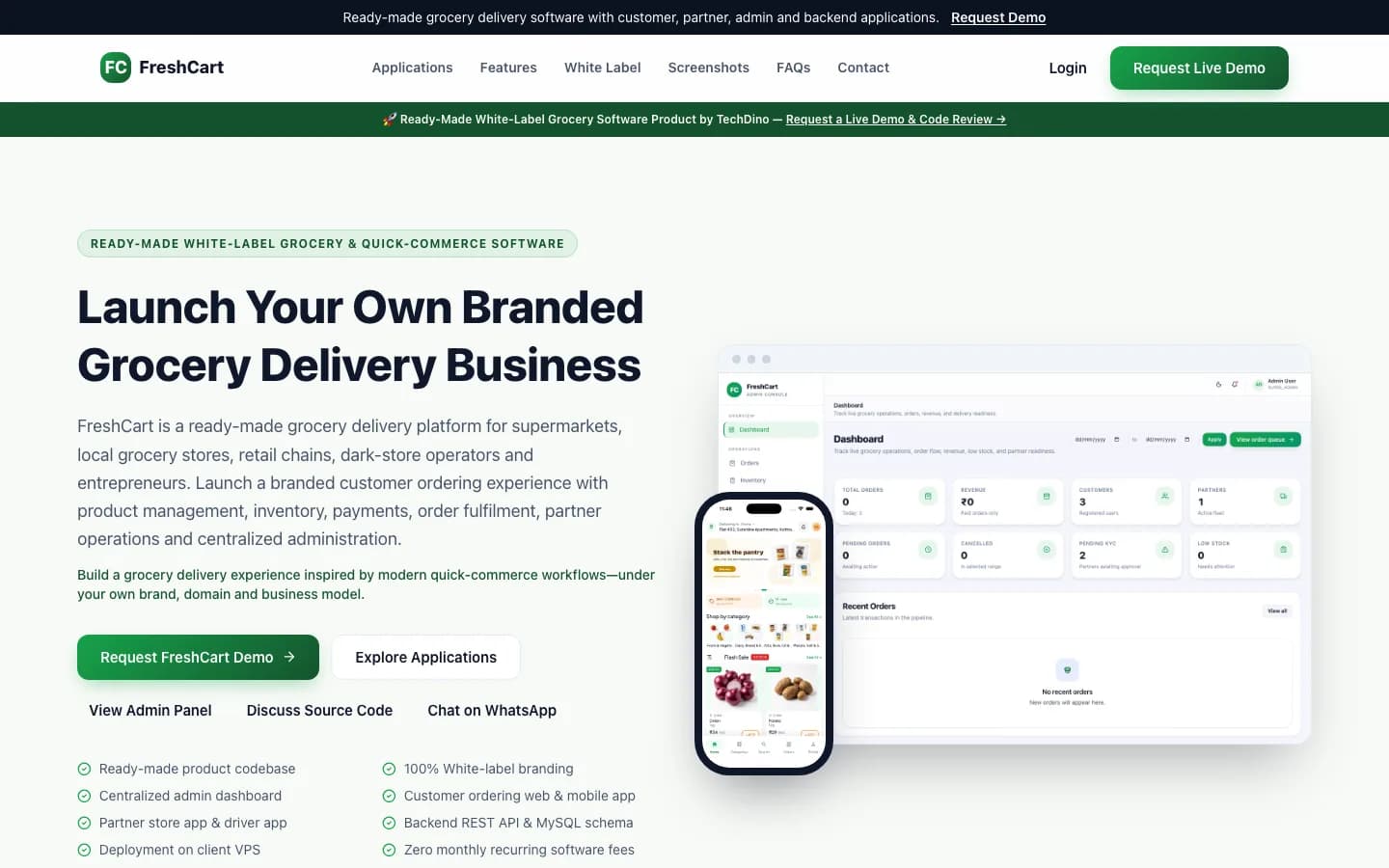
If the described stack matches what you need, FreshCart and Dino Laundry already ship a customer app, an admin console and a delivery-partner application against one backend.
Frequently Asked Questions
What do I need to launch a business app?
Three layers: a customer-facing web or mobile interface, a secure database, and an admin panel to manage records and permissions. Around them you need your own payment gateway, messaging provider, hosting account and — for mobile — app store developer accounts.
Do I need both a mobile app and a web app?
Not always. A responsive web app covers many businesses and avoids store review entirely. Native apps are worth it when you need push notifications, offline use, or device features like the camera or GPS as part of the core workflow.
How long does it take to launch a business app?
Licensing a ready-made product takes weeks, since branding, configuration and deployment are the only work. A custom build takes months and scales with the number of roles, integrations and platforms involved.
Why is the admin panel so important?
Because that is where the business is operated daily — managing records, inventory, transactions and users. A shallow admin panel pushes work back onto spreadsheets and manual processes, which defeats the purpose of the system.
Who should own the hosting account?
You should. Hosting in your own name keeps the data and the ongoing cost under your control, and means changing developers later does not require migrating servers or renegotiating access.
Explore Next
- See our ready-made white-label software products
- Learn about our mobile app development
Need Setup or Custom Coding?
Get in touch to rebrand or customize our ready-made products, or discuss custom development services. All quotes are customized and private.
Related Articles
Custom Software Development Services in India for Global Clients
How remote software developers in India deliver Next.js, mobile apps, and AI agents with practical timezone coordination.
How to Launch a Direct-to-Consumer Fashion Brand with ClothCart
A complete guide to launching an apparel and fashion ecommerce platform with multi-variant matrices, payment gateways, mobile app checkout, and order fulfillment.