
How to Start a Car Rental Business with Booking Software
Short answer
Car rental is an operations business: vehicles, bookings, documents, deposits and returns. Running it on phone calls and paper causes double-bookings and untracked damage. Booking software turns the same fleet self-service — real-time availability, online reservations, document capture, deposit handling and condition records at pickup and return.
Car rental is an operations business: vehicles, bookings, documents, deposits, and returns. Operators who run it on phone calls and paper lose money to double-bookings and untracked damage. Booking software turns the same fleet into a self-service business that takes reservations while you sleep. Here is a practical launch plan.
Step 1: Define Your Rental Model
- Self-drive rentals: customer picks up and drives — needs KYC and license verification.
- Chauffeur-driven: bookings assign a driver — needs driver management.
- Hourly, daily, and weekly pricing — or all three with different rules.
- Airport/city pickup points or door delivery.
Step 2: Digitize the Fleet
Each vehicle becomes a listing: photos, model, fuel type, transmission, seats, price per duration, and availability calendar. Good software blocks a vehicle automatically when booked, so double-booking becomes impossible.
Step 3: Take Bookings and Payments Online
Customers browse available cars for their dates, upload documents, pay a deposit or full amount through your payment gateway, and receive confirmation automatically. You review KYC documents in the admin panel before approving the booking.
Step 4: Run Operations from the Admin Panel
- Booking calendar across the whole fleet.
- Document verification queue for licenses and IDs.
- Pickup/return checklists with condition notes.
- Payment records, deposits, and refunds.
- Reports: utilization per vehicle, revenue per period.
Build vs Buy for a Rental Startup
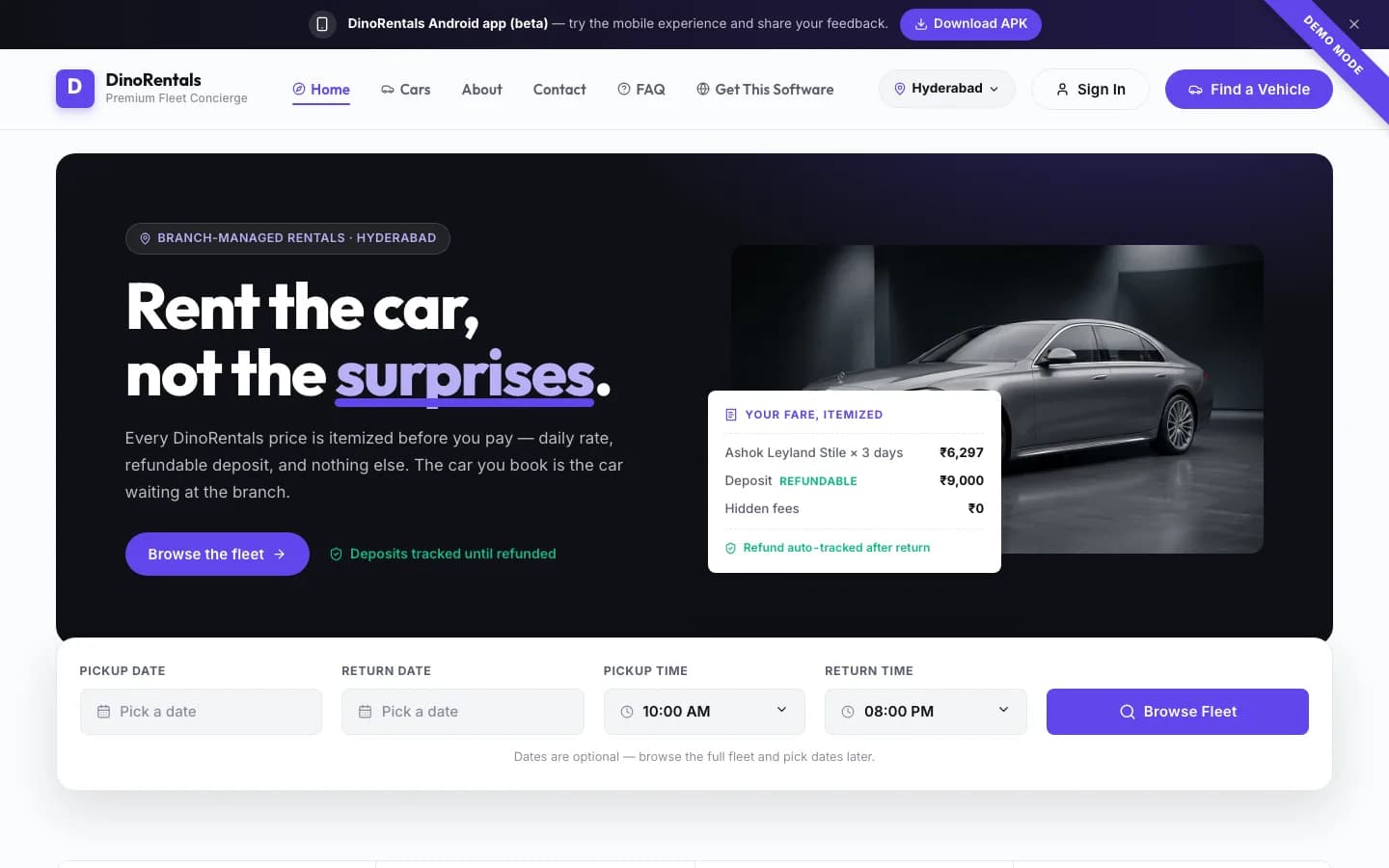
Custom-building a booking platform before you have revenue is backwards. A white-label rental platform like Dino Rental Cars gives you the customer website, booking engine, KYC flow, payment integration, and admin panel as a one-time branded setup on your own domain — so your capital goes into vehicles, not code. Test the live demo with a real booking flow.
The decision usually turns on fleet size rather than ambition. Below roughly twenty vehicles, a ready-made booking platform configured with your branches, categories and deposit rules covers the operation entirely, and the money saved belongs in acquiring cars. Custom development becomes defensible once you have a genuinely unusual model — subscription leasing, corporate fleet contracts, or cross-border hires — that a standard booking flow cannot express.
See modules and licensing on the car rental software product page, or book a free walkthrough. If you also run a garage, pair it with our garage management features checklist.
What Drives Car Rental Software Cost
Quotes for rental software vary widely because the scope varies widely. These are the factors that actually move the number:
| Factor | Effect on cost |
|---|---|
| Fleet size and locations | Multi-location pickup and drop-off adds availability logic that single-location does not need |
| Booking model | Hourly, daily and long-term each price differently and are separate rule sets |
| Self-drive vs with driver | With-driver adds driver assignment, scheduling and duty tracking |
| Mobile apps | Customer and driver apps are additional surfaces beyond the web platform |
| Document verification | Licence and ID capture, and any verification workflow |
| Payment and deposits | Deposit hold and release is more involved than a single charge |
| Damage and condition records | Photo capture at pickup and return, with dispute handling |
| Integrations | Payment gateway, GPS tracking, accounting, insurance |
| Data migration | Moving an existing fleet, customer base and booking history |
Licensing a ready-made platform such as car rental software collapses most of these into configuration rather than development. Custom development is worth it when your rental model genuinely differs from the standard booking flow. For how to compare quotes generally, see custom software development cost.
Ongoing Costs to Budget
- Hosting and backups for the application and database.
- Payment gateway transaction fees, billed by the gateway.
- SMS or WhatsApp message costs for booking confirmations and reminders.
- App store developer accounts if you publish mobile apps.
- Maintenance — security patches and dependency updates continue for the life of the system.
Two costs are routinely underestimated. Payment gateway fees apply to the security deposit as well as the rental amount unless you capture deposits by pre-authorisation, and KYC document storage grows quickly once you are holding licence and ID scans for every renter. Both are small per booking and material at volume, so model them at your target monthly bookings rather than at today's.
Frequently Asked Questions
Can I add my local payment gateway?
Yes. Razorpay and UPI for India, or Stripe/PayPal for international markets, are configured during your branded setup. Gateway transaction fees are billed by the gateway provider.
Does the software handle security deposits?
Yes — deposit amounts can be configured per vehicle and recorded against each booking, with refund tracking on return.
Do I need a mobile app on day one?
No. A mobile-responsive booking website converts fine at launch. Add branded mobile apps later once bookings justify the store-publishing costs.
Explore Next
- See our Dino Rental Cars booking software
- Learn about our API & payment gateway integration
Need Setup or Custom Coding?
Get in touch to rebrand or customize our ready-made products, or discuss custom development services. All quotes are customized and private.
Related Articles
Laundry Management Software Requirements Checklist
What laundry and dry-cleaning software actually has to handle: pickup and delivery routing, item-level tagging, garment condition records, and payment on collection.
School ERP Module Checklist for Institutes
Module-by-module requirements for school and institute ERP — admissions through results — with the role-based access questions most buyers only discover after purchase.