
AI Task Triage: From Intake Form to Assigned Work With Automation Rules
Short answer
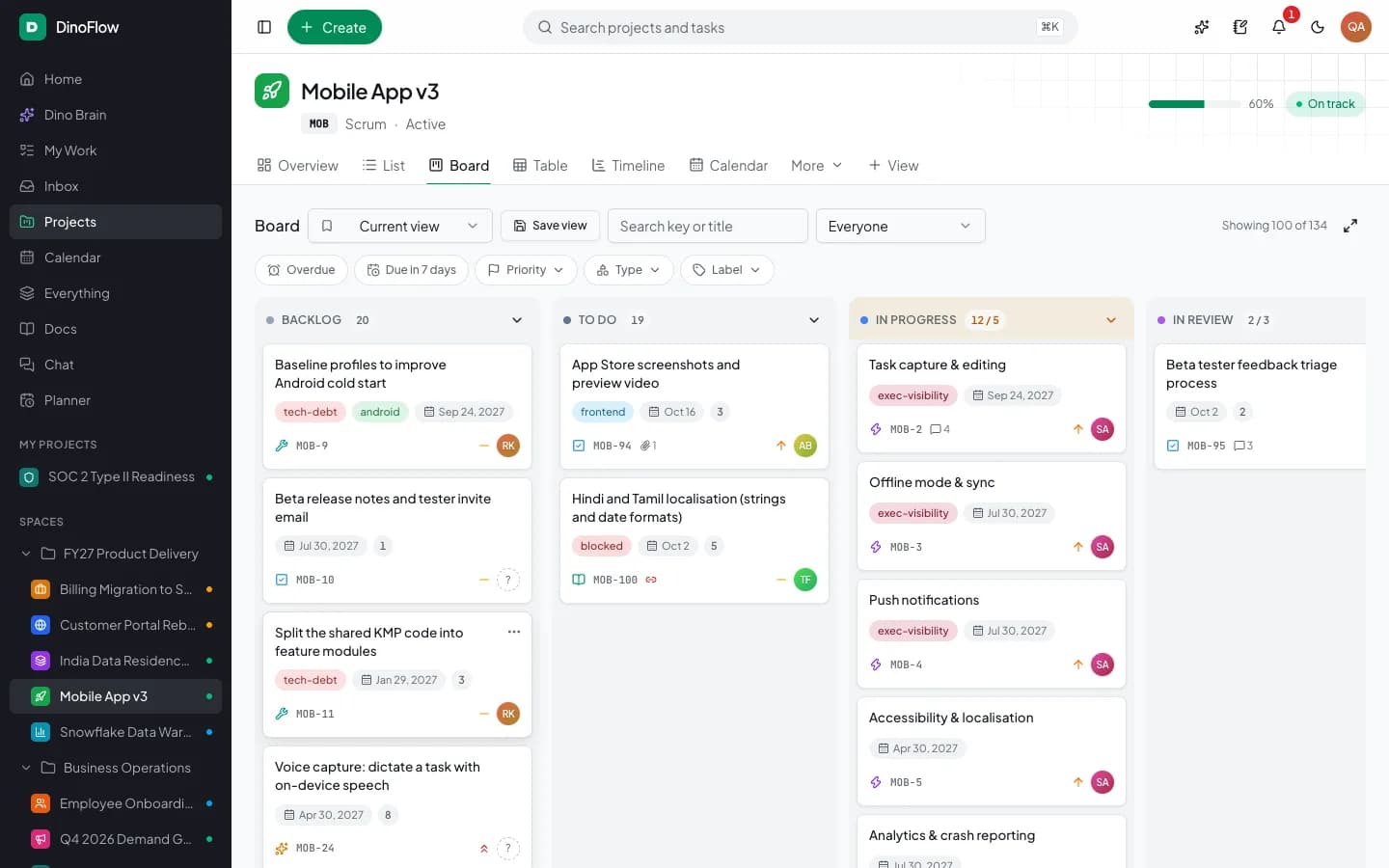
AI task triage turns incoming requests into prioritized, assigned work. In DinoFlow an intake form or chat message becomes a task, Dino Brain proposes priority, owner and sprint for approval, and automation rules can run the same triage unattended as a named owner, within limits and with a run history.
The Triage Problem
New requests arrive from forms, chat threads and meetings faster than anyone can sort them. Work without an owner or a priority stalls, and the people who notice are usually the ones waiting. Triage is the step that turns a request into a task with a priority, an owner and a place in a plan, and it is repetitive enough to automate.
Step 1: Capture Requests in One Place
DinoFlow gives requests two routes into the same task list. Intake forms turn every response into a task, and a form can be drafted by AI from a one-line description. In chat, a message can be converted into a task from the thread where it was discussed. Dino Brain can also summarize a batch of form submissions into themes and suggested tasks.
Step 2: Let Dino Brain Propose the Triage
The Work and Triage agent finds work, assigns people, links dependencies and triages incoming requests in bulk. A typical request is to triage the new items in a project. The agent lists the work, checks project members and workflow, and replies with a proposal: which items are high priority, who gets each one and which status they move to. Because it is a bulk change, it asks you to approve before anything is applied.
Step 3: Automate the Rules You Repeat
When the same triage happens every day, an automation rule can do it. A rule has a trigger, optional conditions and one or more actions, and it can include a step that runs Dino Brain agents when the decision needs judgment.
| Part of a rule | What DinoFlow offers |
|---|---|
| Triggers | Work created, assigned, status changed, due soon or overdue, sprint started or completed, comments, approvals, and daily or weekly schedules |
| Conditions | Narrow the rule, for example by priority or project |
| Core actions | Ten core actions, including assign people or teams, set status or priority, comment, create tasks, notify, shift dates, add labels and update custom fields |
| AI actions | An AI comment, AI triage of priority, labels, type or assignee, and AI-generated subtasks |
| Agent step | Run Dino Brain agents with full or read-only tools, as the rule owner |
Guardrails for Unattended Rules
- A rule runs as its creator and rechecks that person's current permissions on every event.
- The rule runner checks up to 25 matching rules per event, and each rule runs at most 10 actions.
- A daily limit is shown with each rule.
- Every execution is recorded in a history with its trigger, status and time.
- A rule can be tested before it runs on real work, and paused at any time.
Triage Checklist
- Do all request channels land in the same task list?
- Does each new item get a priority, an owner and a status within a set time?
- Are bulk changes approved by a person?
- Do unattended rules run as a named owner with limits?
- Can you see which rule changed an item and when?
Frequently Asked Questions
Frequently Asked Questions
Can AI assign tasks automatically?
Yes, within limits. Dino Brain can propose an owner and priority for approval, and an automation rule can apply AI triage unattended as the rule owner, with a run history for every execution.
What can start an automation rule in DinoFlow?
Triggers include work being created, assigned or changing status, work coming due or overdue, sprints starting or completing, comments, approvals, and daily or weekly schedules.
Can I test an automation rule before it runs on real work?
Yes. A rule can be run as a test from the automation page, and its executions appear in the history so you can confirm what it did before relying on it.
Explore Next
- See our DinoFlow task triage and automations
- Learn about our AI agent development
Need Setup or Custom Coding?
Get in touch to rebrand or customize our ready-made products, or discuss custom development services. All quotes are customized and private.
Related Articles
Permission-Aware AI Agents for Project Management: Approvals, Read-Only Mode and Audit Trails
How to let AI agents work inside a project tool safely: act as the user, ask before bulk changes, run automations as an owner, keep keys encrypted and review an audit trail.
AI Sprint Planning: Backlog Ranking, Team Capacity and Approval Before Changes
How AI sprint planning works in practice: rank the backlog, fit work to team capacity, review the proposed sprint and approve changes before they apply.