
Docker Compose Deployment for Multi-Service Business Applications
Short answer
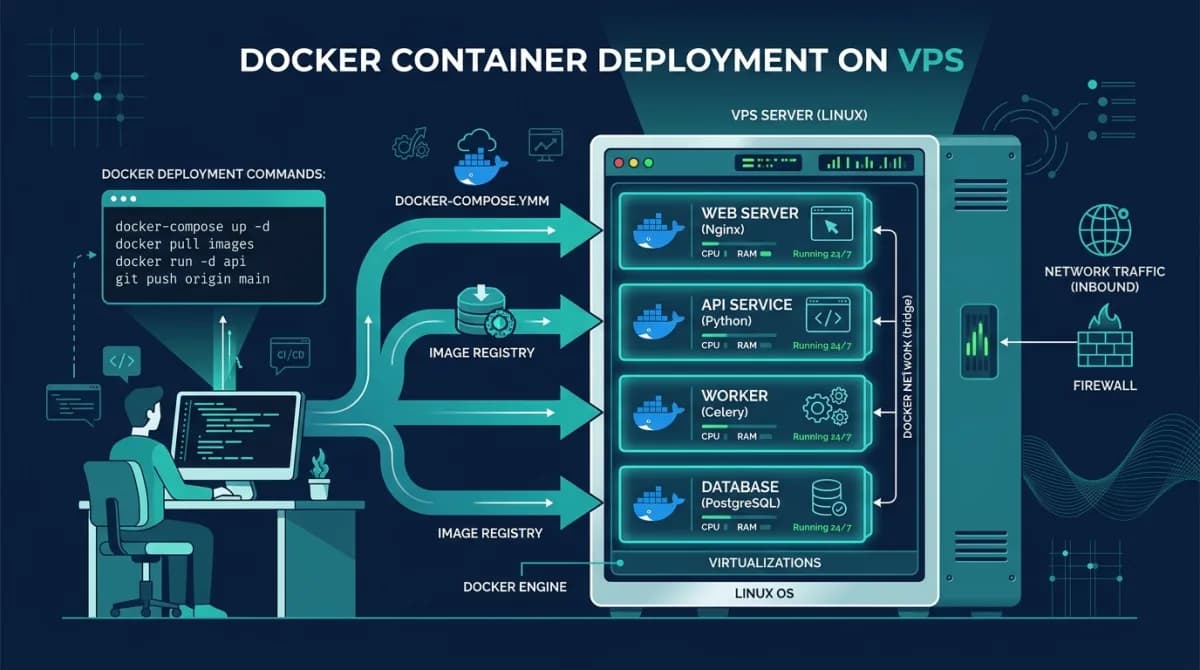
Docker Compose deployment for business applications defines all services — web frontend, API backend, database, background worker and vector database — in a single YAML file. Running one command starts the entire stack with health checks, restart policies and a shared network, making self-hosted business software reproducible across development, staging and production environments.
Software discussed: Dino Business OS · Try the live demo
Why Docker Compose Has Become Standard for Business Software
Modern business applications no longer run as monolithic single-process scripts. An enterprise platform like Dino Business OS requires a responsive Next.js frontend, an Express API backend, a transactional MySQL 8.4 database, an asynchronous worker process for background PDF and email tasks, and a specialized vector database like Qdrant for semantic AI search. Attempting to install each dependency directly onto a bare Linux virtual machine creates dependency conflicts, port collisions, and complicated upgrade paths.
The practical appeal is that the same file describes the stack on a laptop and on the production VPS. A developer runs the application with one command, and deployment becomes pulling the repository and running the same command with a production environment file. That equivalence removes the whole class of failures where something works locally and breaks on the server for reasons nobody can reproduce.
Docker Compose abstracts this entire service topology into a declarative `docker-compose.yml` file. With a single command, system administrators can initialize, link, network, and supervise the complete application stack consistently across any standard Ubuntu VPS.
Anatomy of an Enterprise Container Stack
| Container Service | Technology Engine | Internal Port | Core Functional Responsibility |
|---|---|---|---|
| Frontend Web App | Next.js 15 & React 19 | 3000 | Serves server-rendered web pages, responsive dashboards, and interactive portals |
| Backend REST API | Node.js & Express | 4000 | Executes business logic, role-based authorization, and transactional database queries |
| Relational Database | MySQL 8.4 LTS | 3306 | Stores transactional ledgers, customer profiles, product catalogs, and user credentials |
| Background Worker | Node.js Process | Internal | Processes queued asynchronous tasks including PDF invoice generation and batch notifications |
| Vector Database | Qdrant Engine | 6333 | Manages high-dimensional semantic embeddings for corporate policy and knowledge search |
| Reverse Proxy Gateway | Nginx & Certbot | 80 / 443 | Terminates public SSL certificates, applies rate limiting, and routes traffic cleanly |
Keep stateful services deliberate. The application containers in this stack are disposable and can be recreated at any time, but the database and vector store hold everything that matters, so their volumes belong on named mounts with a backup job that runs against the volume rather than the container. The discipline to treat those two categories differently is what makes a compose stack safe to redeploy on a Friday.
Key Operational Best Practices for VPS Production Deployments
- Enforce explicit health checks on database and API containers to ensure dependent services wait until prerequisite sockets are fully open
- Pin specific container image tags and database versions rather than using latest to prevent unexpected breaking changes during maintenance rebuilds
- Keep database storage files and user media uploads in named persistent Docker volumes that survive container re-creations and updates
- Store sensitive credentials, database passwords, and AI API keys in an uncommitted `.env` file with strict filesystem access permissions
- Configure resource constraints including memory and CPU quotas per container to prevent runaway background tasks from starving the host OS
- Implement automated offsite database backups using cron jobs that dump compressed SQL snapshots to secure object storage buckets
Dino Business OS ships with a production Docker Compose file covering the Next.js web application, the Express API, a background worker, MySQL and Qdrant, so the stack described here is the one you actually receive and deploy on your own VPS.
Compose has a clear ceiling worth naming. It runs one host, so it gives you no automatic failover and no rolling deploy across machines; a restart is a few seconds of downtime. For a single-tenant business application that is an acceptable trade against the operational weight of Kubernetes, and the migration path stays open because the container definitions carry over unchanged.
Frequently Asked Questions
Frequently Asked Questions
What VPS specifications are recommended for a full business stack?
A standard Linux VPS with 4 virtual CPUs, 8 GB of RAM, and 80 GB of SSD or NVMe storage easily runs the web, API, MySQL, worker, and Qdrant services under normal business traffic.
How do updates work with Docker Compose?
Administrators pull the latest application code, run `docker compose build`, and execute `docker compose up -d` to replace running containers with minimal user disruption.
Is Docker Compose suitable for production environments?
Yes. For single-server installations handling small to medium business operations, Docker Compose is resilient, easy to monitor, and straightforward to maintain without Kubernetes overhead.
How is SSL certificate renewal managed?
Certbot integrates with Nginx directly on the host or inside a dedicated proxy container to renew Let's Encrypt certificates automatically via system timers.
The software in this article
Dino Business OS
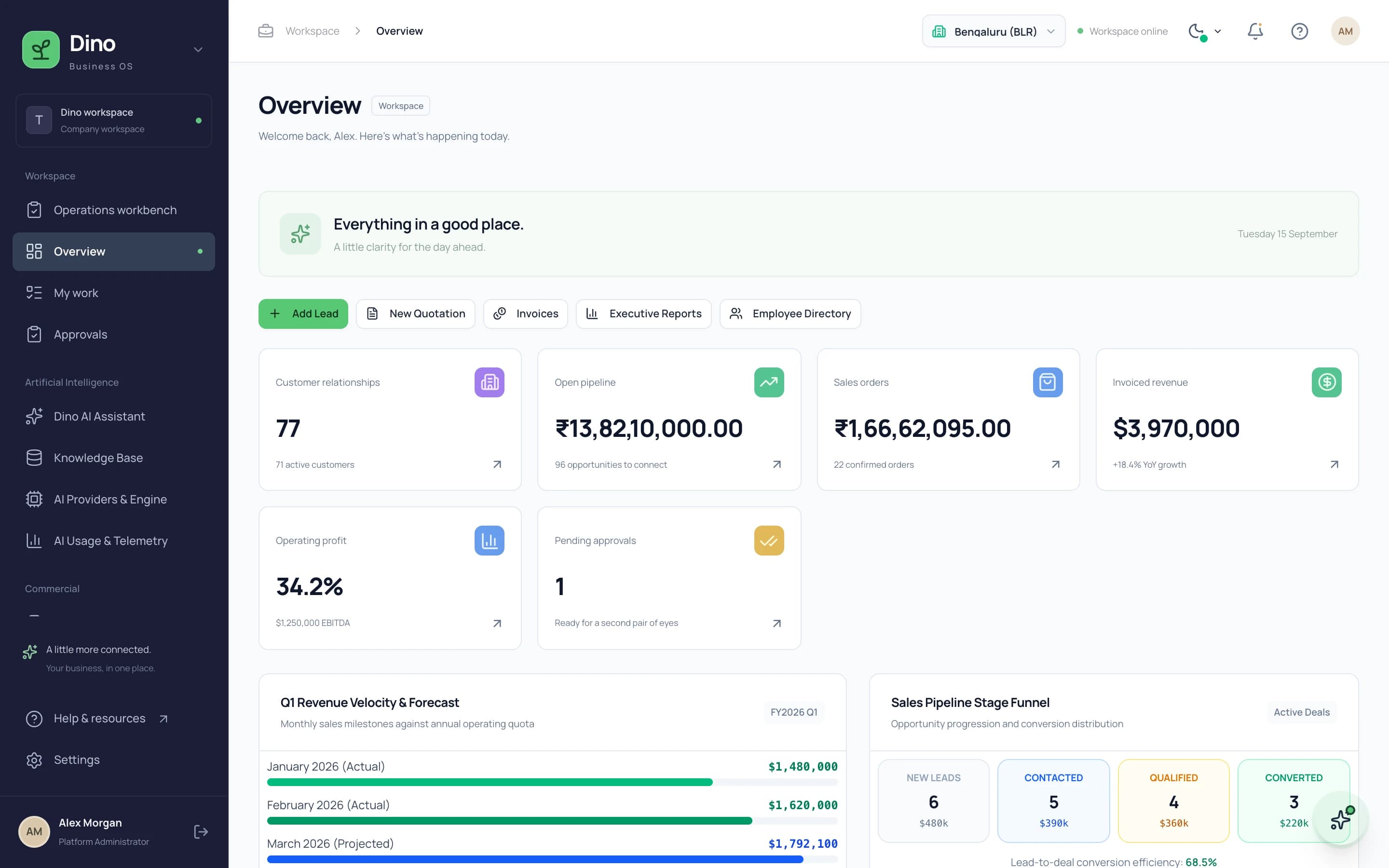
Dino Business OS is AI-powered business operations software that connects CRM, sales, procurement, inventory, projects, HR, payroll, service, assets, documents and finance in one permission-controlled workspace with a built-in LangGraph multi-agent AI assistant.
Want Dino Business OS Under Your Brand?
Rebrand Dino Business OS with your logo and domain, or have it customized for your workflow. All quotes are customized and private.
Related Articles
How to Deploy a Next.js and Node.js Application on a VPS
A practical VPS deployment guide for Next.js + Node.js apps: server setup, Nginx reverse proxy, PM2 process management, SSL, and staged updates that minimise downtime.
Production VPS Hardening for Next.js & Node.js: Nginx, SSL, UFW, and PM2
A comprehensive DevOps guide to hardening a Linux VPS for production Next.js and Node.js applications: firewall configuration, reverse proxy setup, and process management.