
How to Evaluate a Ready-Made Software Demo Before You Buy
Short answer
To evaluate a ready-made software demo, walk the one workflow the business depends on from start to finish in the live system, log in as each role the product includes, check which interfaces are included versus optional, confirm what is delivered — source code, deployment, support — and write down every gap before asking for a quotation. Every TechDino product page links a live demo.
Software discussed: Clinic CRM · Try the live demo
Test the workflow, not the feature list
A feature list says 'inventory', 'billing', 'reports'. A workflow is 'a customer orders, stock is reserved, the invoice is raised, the delivery is recorded, the report shows it'. Products that look identical on a feature list diverge on the workflow. Pick the one chain the business cannot operate without and run it in the demo without skipping steps.
The 45-minute checklist
| Testing Phase | Target Interface & Roles | Key Verification Points | Pass Standard |
|---|---|---|---|
| Phase 1: Customer Journey (0-10m) | Public storefront, booking wizard, customer web app | Test mobile responsiveness, cart state persistence, form validation | Order or booking confirms without throwing unhandled frontend errors |
| Phase 2: Operator Dispatch (10-25m) | Admin panel, staff portal, technician mobile view | Process order, assign operational roles, update fulfillment status | State machine updates seamlessly across admin and customer views |
| Phase 3: Exception Handling (25-35m) | Admin order manager, billing ledger | Execute refund, reschedule service, edit customer invoice line items | Ledger records financial adjustment and updates inventory levels automatically |
| Phase 4: Audit & Reporting (35-45m) | Analytics dashboard, financial exports, audit log | Verify newly generated transaction appears in daily revenue report | Transaction exports cleanly into CSV/Excel without corrupted columns |
- **Minutes 0–10: the buyer's journey.** Use the public or customer interface the way a customer would — book, order, enquire — and note what happens next.
- **Minutes 10–25: the operator's day.** Log in as the admin and as a staff role. Process what the customer just did. Look for the step where the demo makes you leave the system.
- **Minutes 25–35: the exception.** Cancel, refund, reschedule, return, or correct a mistake. Exceptions reveal whether a workflow is modelled or merely displayed.
- **Minutes 35–45: the report.** Find the record you just created in the reports and the audit trail. If it is not there, ask why.
Included versus scoped: the question that changes the price
Every TechDino product page has an 'Applications included' section listing the interfaces in the base scope — customer web app, admin dashboard, staff portal, API, database, and where applicable a mobile app or vendor portal — and an optional-interfaces list. A native mobile app that is optional is not a defect; it is a line item. Ask the same question of any vendor: which interfaces are in the price, and which are quoted separately.
Questions that expose scope gaps
- Which payment gateways are supported, and who holds the merchant account and pays provider fees?
- Where is the data hosted, and who controls the server? The deployment options guide explains the choices.
- What is delivered on handover — source code, database schema, deployment scripts, documentation? The software handover checklist is the reference.
- What does the licence permit — use, modification, resale? The source code and licensing guide covers the distinctions.
- What support is included after launch, for how long, and what is excluded? See support and maintenance.
What to write down before asking for a quotation
A quotation is only as good as the scope it is based on. Send the vendor: the workflow you tested and where it fell short; the branding you need applied; the hosting you intend to use; the integrations that must work on day one; and the interfaces you consider mandatory. TechDino quotes on scope rather than publishing a price, so the requirement you write is the document the quotation answers. The implementation process guide describes what happens after that.
A worked example: a clinic evaluating Clinic CRM
Book an appointment from the patient portal. Log in as the receptionist and confirm it. Log in as the doctor, open the record, write a prescription. Raise the bill and mark a partial payment. Cancel a second appointment and check the slot reopens. Then open the reports and find both appointments. That is the Clinic CRM demo walked in fifteen minutes, and it answers more than an hour of slides would.
Frequently Asked Questions
How long should a software demo evaluation take?
About 45 minutes for one core workflow across the customer, staff and admin roles, plus one exception and one report. Longer evaluations should test a second workflow, not repeat the first.
Should I ask for a custom demo?
Test the public demo first. A guided walkthrough is useful afterwards to confirm the gaps you found and to scope customisation.
What if the demo does not include my exact workflow?
Note it as scoped work and ask for it in the quotation. Ready-made software plus a scoped customisation is usually still faster than a build from scratch; the [white-label versus custom comparison](/products/compare/white-label-vs-custom-development) sets out the trade-off.
Is demo data real customer data?
No. Demo data is illustrative and is not evidence of customer results.
The software in this article
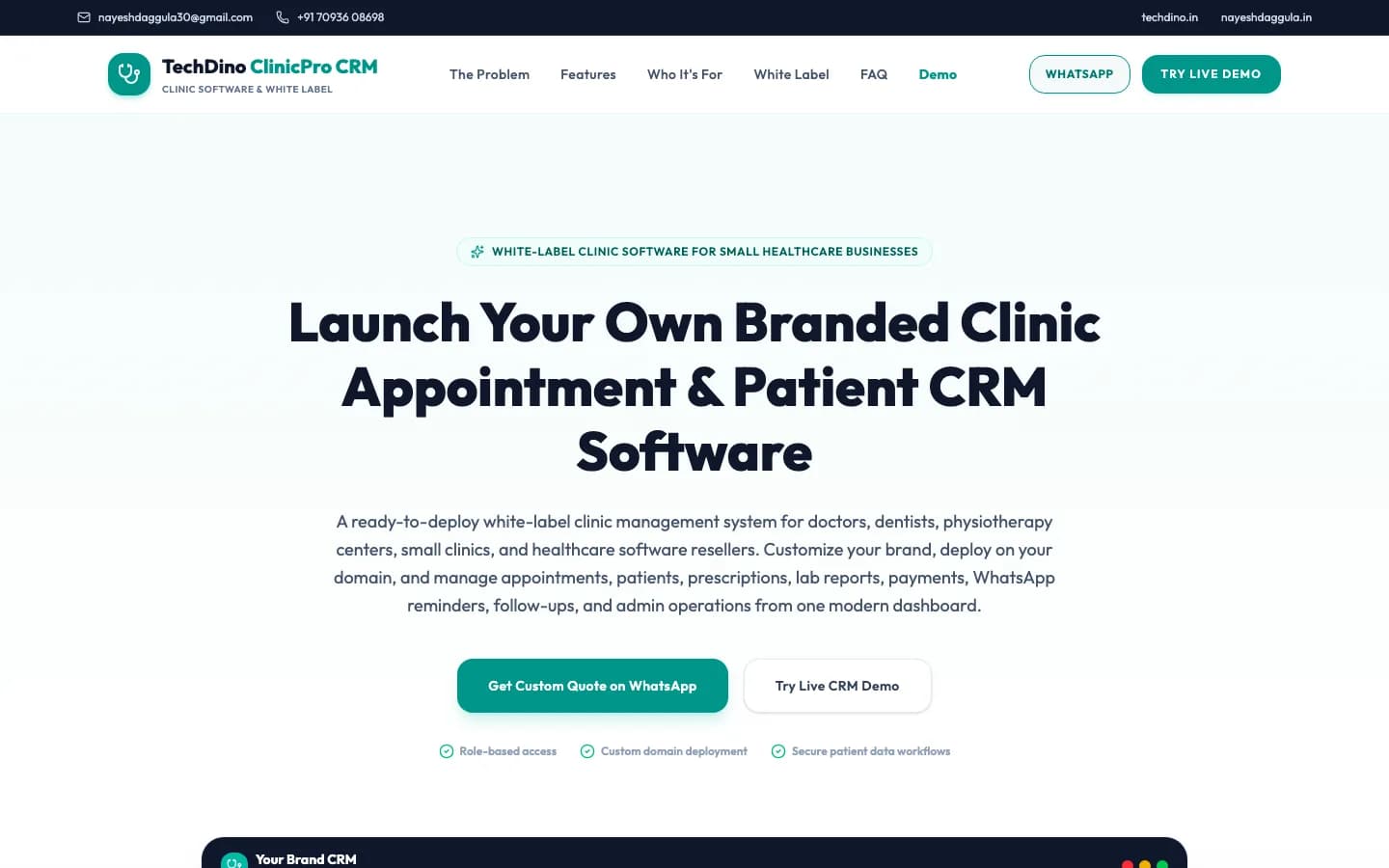
Clinic CRM
Clinic management CRM with patient scheduling, digital EMR, doctor portal, e-prescriptions, and billing.
Want Clinic CRM Under Your Brand?
Rebrand Clinic CRM with your logo and domain, or have it customized for your workflow. All quotes are customized and private.
Related Articles
Short News App and Digital ePaper Platform for Regional Publishers
How a regional newspaper moves online without losing the print edition: swipe-up short news cards, a digital ePaper reader, an editorial newsroom and an installable PWA — as delivered in InstNews.
360° Virtual Tour Software for Real Estate Listings and Car Dealers
How browser-based 360° tour software works — panoramas, doorway navigation, floor-plan pins and exterior car spins — and why owning the builder beats paying per tour.