
Vendor Management System for Procurement and Finance Teams: What to Track and Why
Short answer
A vendor management system holds every supplier in one registry with contact and business details, keeps each quotation and its history for comparison, tracks invoice status, amounts and due dates, records payments against them, stores agreements and documents, and summarises vendor activity on a dashboard. Dino VMS delivers those workflows with role-based team access and a vendor portal, white-label and with source code for the agreed scope.
Software discussed: Dino VMS · Try the live demo
The vendor record is spread across four inboxes
In most growing companies the vendor's details live in an email thread, the quotation in a PDF attachment, the invoice in accounting and the signed agreement in someone's drive. When finance asks what is still owed to a supplier and what that supplier quoted last time, four people search four places. A vendor management system is simply the decision to keep those records together, keyed by the vendor.
What Dino VMS tracks
- **Centralized vendor database** — vendor profiles, contact details, business information and transaction history.
- **Quotation management** — vendor quotations with the complete history, so a new quote is compared against the last one rather than against memory.
- **Invoice management** — invoice status, amounts, due dates and payment progress.
- **Payment tracking** — paid, pending and partially paid amounts recorded against each invoice.
- **Document management** — agreements, invoices and quotation files stored against the vendor.
- **Business dashboard** — recent invoices, payments and vendor activity at a glance.
The Dino VMS product page lists the interfaces: a customer web application, admin dashboard, staff portal, vendor portal, REST API and database.
The vendor portal changes who does the data entry
A vendor portal lets suppliers submit quotations and invoices themselves and see their payment status, which removes the re-typing step and the 'has this been paid?' phone call. It also creates an audit trail: the quotation the vendor submitted is the quotation on record.
Role-based access for procurement and finance
Procurement needs to compare quotations and manage vendor profiles; finance needs invoices and payments; management needs the dashboard. Dino VMS uses JWT authentication with role-based access control so each team sees its part of the record on the same database, rather than exporting copies to each other.
Vendor management versus full procurement
Dino VMS is the vendor-side record: who the suppliers are, what they quoted, what they invoiced, what was paid. Purchase requisitions, approval routing, goods receipts and stock are the procurement-to-inventory chain, which is the territory of Dino Business OS and Dino WMS. Buy the record the team is actually missing; the three are separate products because they answer different questions.
What is included
Every purchase includes complete source code for the agreed scope, deployment on hosting the buyer controls, basic migration assistance and three months of technical support. Hosting, domain and third-party service fees are billed by those providers. Pricing is quoted on scope rather than published; send the requirement through the contact page and TechDino returns a written quotation after a walkthrough.
Frequently Asked Questions
Can vendors log in themselves?
Yes. The vendor portal lets suppliers submit quotations and invoices and view payment status; what a vendor can see is controlled by role.
Does Dino VMS replace accounting software?
No. It keeps the vendor-side record — quotations, invoices, payments and documents — and can sit alongside the accounting system; any integration is scoped separately.
Is it multi-branch?
The vendor registry and records are shared across the organisation; branch-specific views and permissions are configured during scoping.
Is pricing published?
No. Every purchase is quoted on scope, and TechDino returns a written quotation after a walkthrough of the live demo.
Software in this article
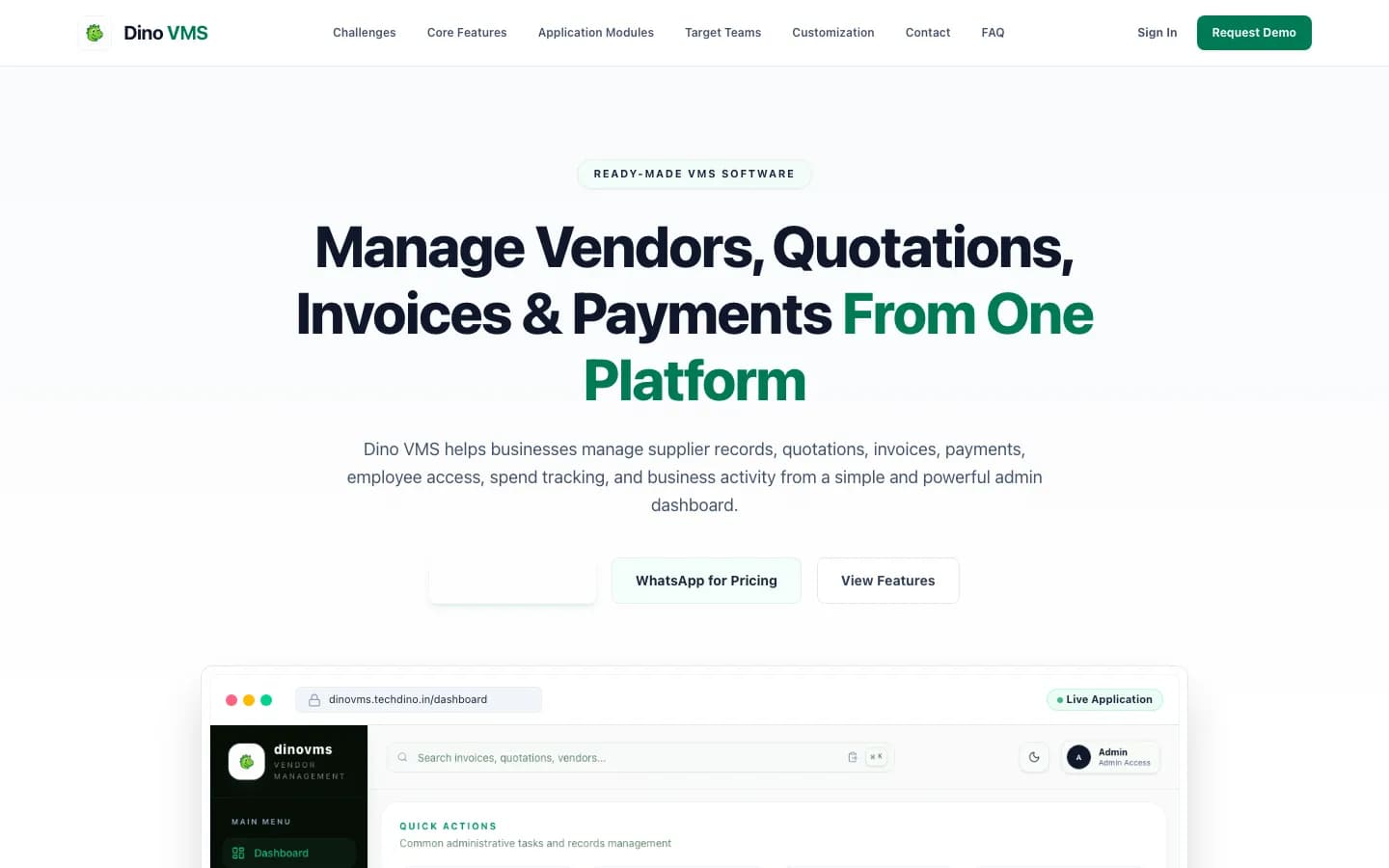
Dino VMS
Vendor management system with vendor registry, quotation records, invoice tracking, payment history, spend dashboard and role-based team access.
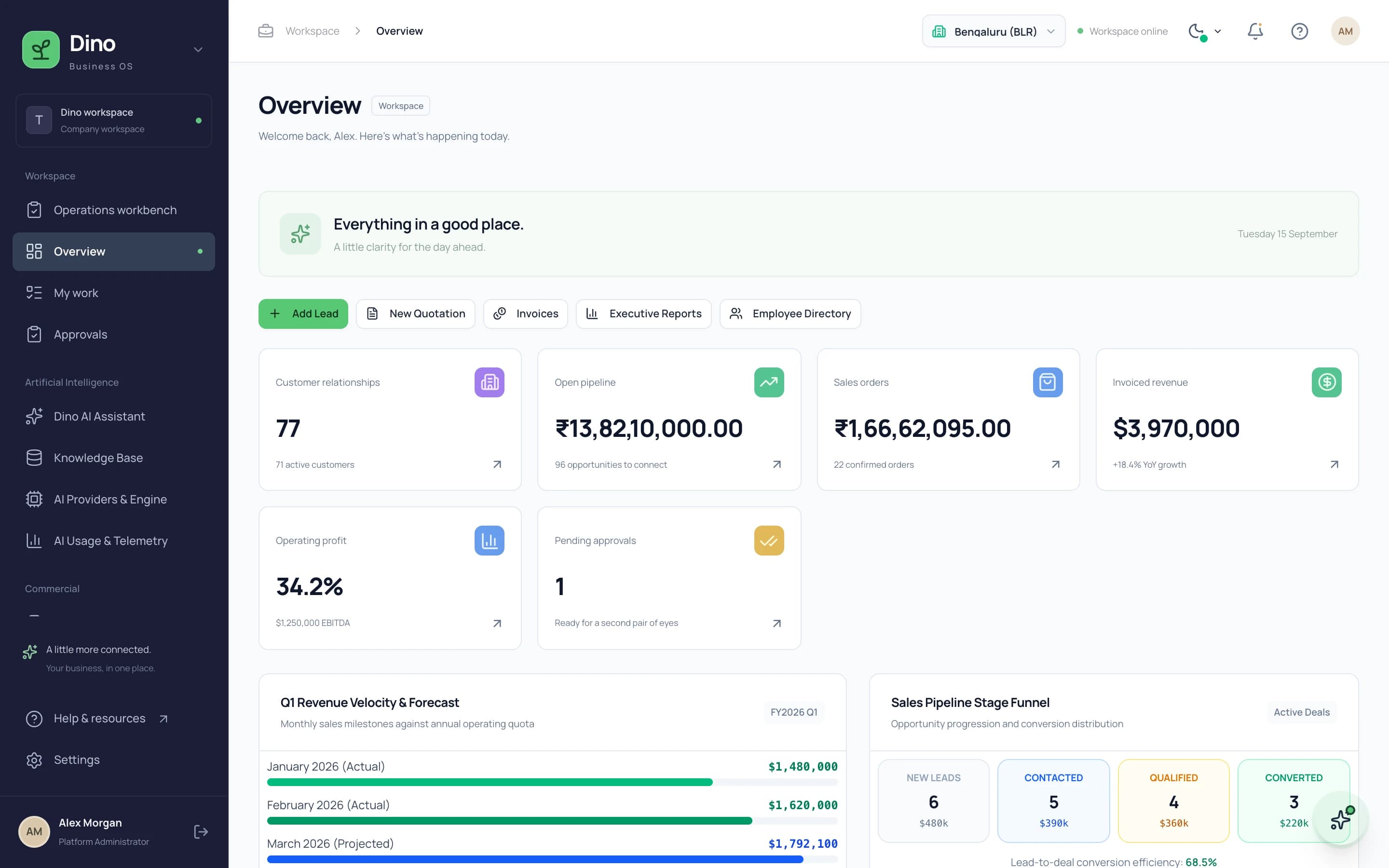
Dino Business OS
Dino Business OS is AI-powered business operations software that connects CRM, sales, procurement, inventory, projects, HR, payroll, service, assets, documents and finance in one permission-controlled workspace with a built-in LangGraph multi-agent AI assistant.
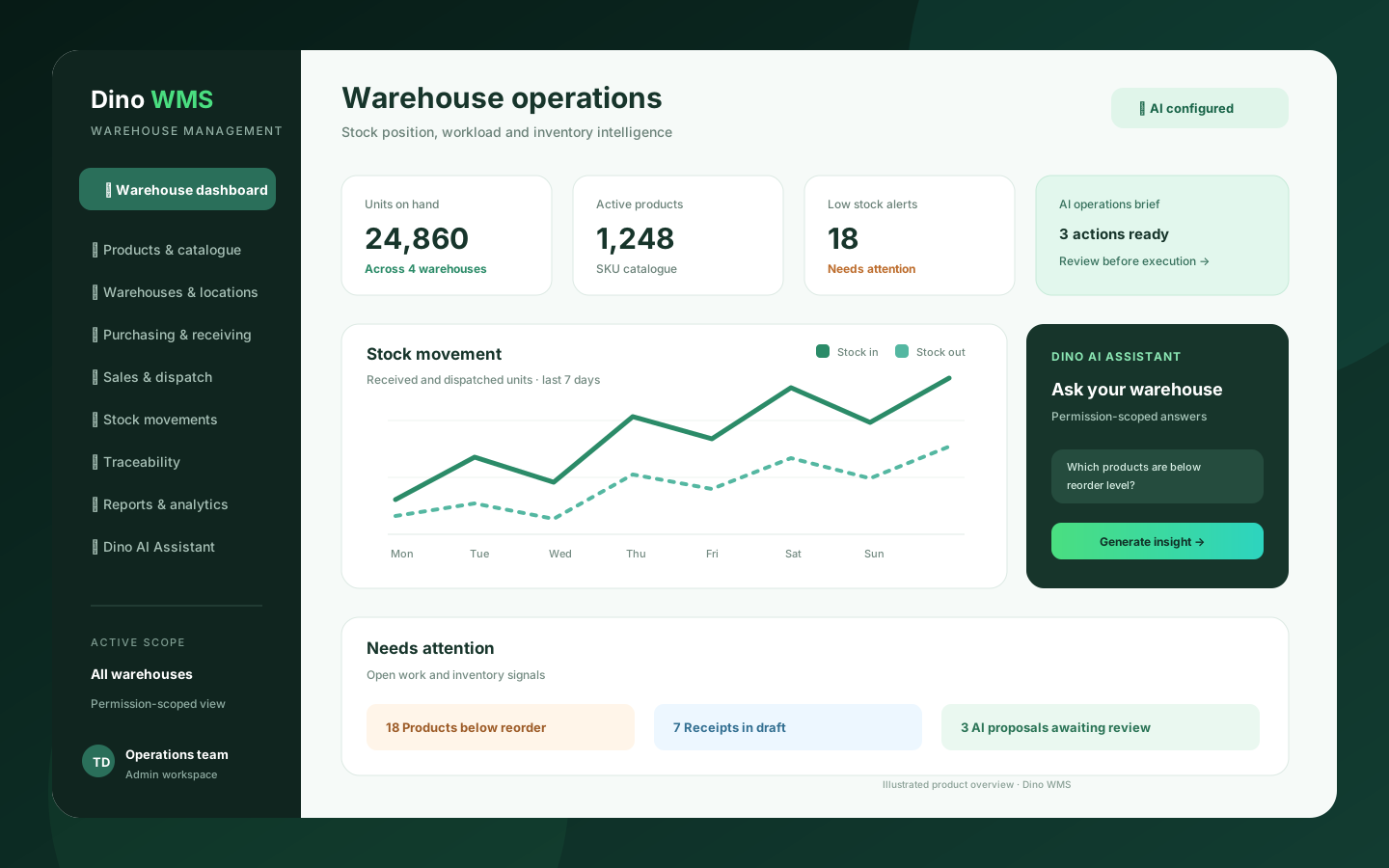
Dino WMS
AI-powered warehouse management software for products, stock, warehouses, purchasing, receipts, picking, packing, dispatch, transfers, traceability and operational reporting.
Want Dino VMS Under Your Brand?
Rebrand Dino VMS with your logo and domain, or have it customized for your workflow. All quotes are customized and private.
Related Articles
Fixed Asset Management Software for IT and Facilities Teams: Registry, Custody, Maintenance and Depreciation
What an asset register must do beyond a spreadsheet: custody handover, preventive maintenance, warranty and AMC alerts, straight-line depreciation and QR-based physical audits — as delivered in Dino Assets Management.
Warehouse Management Software for Distributors and Wholesalers: A Practical Buyer's Guide
Which warehouse management functions a distributor actually needs — locations and putaway, receiving, allocation and picking, traceability and reporting — and how Dino WMS covers them with an AI assistant that proposes rather than acts.