
OTT Content Workflow: Upload, HLS and DASH Packaging, DRM and Publish Approvals
Short answer
An OTT content workflow takes a title from upload to release in fixed steps: upload the master video, package it for HLS and DASH streaming, attach renditions and artwork, protect it with DRM support and signed stream URLs, then pass it through draft, review and publish. Dino OTT runs these steps in one admin studio with separate staff roles.
Software discussed: Dino OTT
A streaming service lives or dies on its catalogue. Once a platform carries hundreds of titles across several languages, the work of preparing and approving each one becomes the main daily task. Without a defined workflow, titles go live with the wrong artwork, missing subtitles or the wrong age rating.
This article follows one title through the admin studio of Dino OTT, a white-label streaming platform from TechDino with a customer website, admin studio, Android and iOS apps and Smart TV apps.
Step 1: Create the title record
Each movie, series, season or episode starts as a record with its title, description, language, genre and age rating. Titles can carry several languages, and each published title gets its own SEO page on the website. Metadata and artwork can be pulled from the TMDB API using your own key.
Step 2: Upload and package the video
Media Operations staff upload the master file. The platform packages it for HLS and DASH streaming, which lets each device pick the quality that suits its connection. The resulting renditions are stored with the title so they can be checked before release.
Step 3: Protect the stream
- DRM support for titles that need licence-based protection.
- Signed stream URLs, so a copied link stops working after it expires.
- Device and simultaneous-stream limits set per subscription plan.
- Offline downloads in the mobile apps, held inside the app.
Step 4: Artwork and merchandising
Artwork Managers attach posters, banners and thumbnails from the artwork library. Merchandising Managers then place the title in home page rails or a landing page using the home page builder, which also follows a publish step.
Step 5: Draft, review and publish
| Stage | Role | Action |
|---|---|---|
| Draft | Content Editor | Completes metadata, media and artwork, then submits |
| Review | Content Reviewer | Approves the title or sends it back with notes |
| Publish | Content Administrator | Releases the approved title to viewers |
| Rights | Rights Manager | Checks availability windows before release |
Every change is recorded in an audit log, so the team can see who edited, approved or published a title. Dino OTT ships 14 staff roles, which lets a small team combine roles and a larger team keep them apart.
Step 6: Choose how the title earns
Once published, a title can sit inside a subscription plan, be offered as a rental or buy-to-own purchase, run as a pay-per-view live event, or carry pre-roll, mid-roll and post-roll VAST video ads, with ad-free plans available. Views, likes, comments and per-title statistics then show how each release performs.
Frequently asked questions about OTT content workflows
Frequently Asked Questions
What is the difference between HLS and DASH?
Both are adaptive streaming formats that split video into short segments at several qualities. HLS is widely used on Apple devices and DASH on many Android and TV devices, so packaging for both covers more screens.
Can one person do the whole workflow?
Yes. Roles can be combined for a small team. Separating editor, reviewer and administrator is useful once several people work on the catalogue.
Where is the video stored?
On storage and streaming providers you choose and pay for directly, configured during deployment on servers you control.
The software in this article
Dino OTT
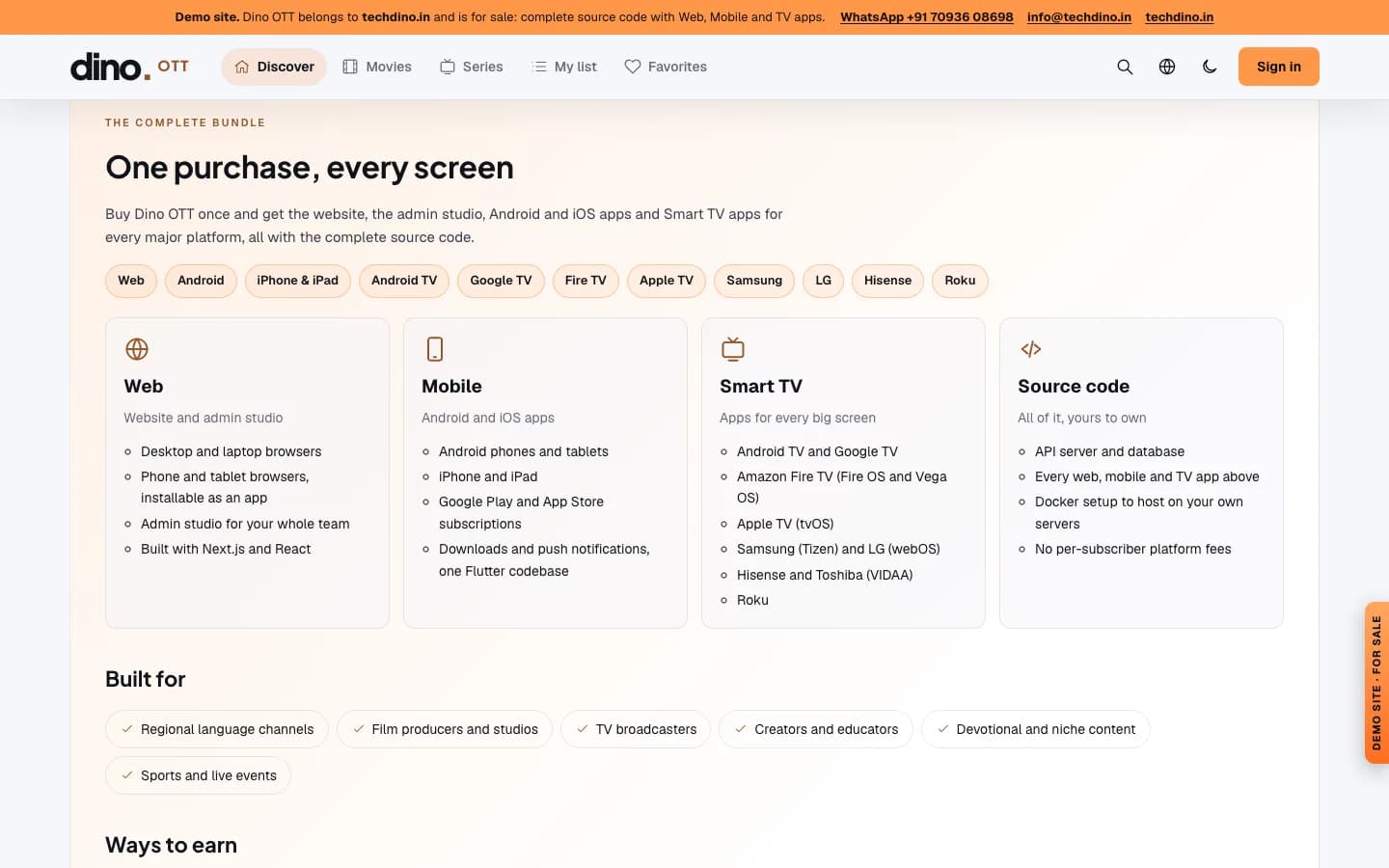
Dino OTT is a white-label OTT streaming platform with a customer website, an admin studio with 14 staff roles, Android and iOS apps from one Flutter codebase, and Smart TV apps for Android TV, Google TV, Fire TV, Apple TV, Samsung, LG, VIDAA and Roku, sold with the source code.
Explore Next
- Learn about our web application development services
Want Dino OTT Under Your Brand?
Rebrand Dino OTT with your logo and domain, or have it customized for your workflow. All quotes are customized and private.
Related Articles
Buying a White-Label OTT Streaming Platform: Production Architecture & Buyer's Guide
How media companies, film distributors, and content creators can buy a white-label OTT streaming platform with source code, multi-screen apps, and client-controlled cloud infrastructure.
White-Label OTT Platform: How to Launch Your Own Streaming Service on Web, Mobile and Smart TV
What a white-label OTT platform includes, how it compares with building from scratch or renting a hosted service, which devices matter, and the costs you still carry after launch.