
Restaurant Partner Portal Features: Kitchen Board, Busy Mode and Menu Stock Toggles
Short answer
A restaurant partner portal should let kitchen staff accept orders with a preparation time, track each order on a kitchen board with timers, switch on busy mode or pause ordering, mark single dishes out of stock, and review weekly settlements. Dino Food Delivery includes a 22-page restaurant portal covering these tasks across branches.
Software discussed: Dino Food Delivery · Try the live demo
Food delivery founders often focus on the customer app. Restaurants judge a platform by something else: the screen in the kitchen. If accepting an order is slow, if a sold-out dish keeps getting ordered, or if the weekly payment cannot be checked, restaurants stop picking up orders on busy nights.
This guide lists what a restaurant partner portal needs, using the 22-page portal in Dino Food Delivery as the example. Dino Food Delivery is a white-label food delivery marketplace from TechDino with a customer app, delivery partner app, restaurant portal and admin console on one backend.
Live orders and the kitchen bell
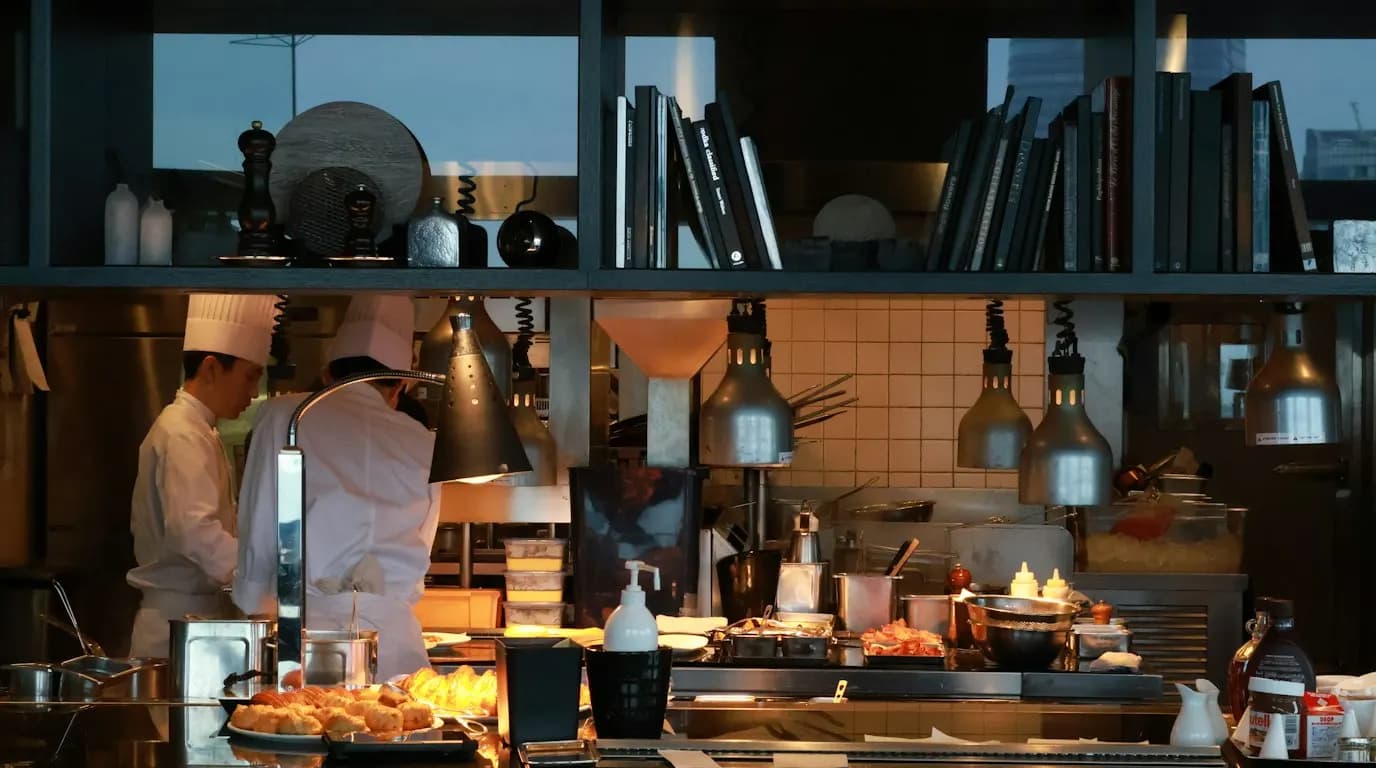
New orders arrive with an audible kitchen bell so staff notice them during service. Staff accept the order and set a preparation time, which the customer and the delivery partner both see. Printed tickets are available for kitchens that work from paper.
The kitchen board
Accepted orders move across a kitchen board with timers, so the team can see which orders are close to their preparation time. When food is packed, staff mark the order ready for pickup, and the rider confirms every item with a pickup code before leaving.
Busy mode, pause and opening hours
- Busy mode adds preparation time during a rush instead of rejecting orders.
- Pause ordering stops new orders for a short period, for example during a staff change.
- Opening hours are set per branch, so a restaurant group can run several outlets.
- Delivery zones and blackout windows are managed by the platform's operations team.
Menu management with variants and stock toggles
Menus are built from categories, dishes, variants such as half and full portions, and add-ons such as extra cheese. A stock toggle on each dish marks it out of stock for the rest of the day, which stops customers ordering food the kitchen cannot make. The customer app shows a veg-only filter based on the same menu data.
| Portal area | Who uses it | Main task |
|---|---|---|
| Live orders | Kitchen staff | Accept with a preparation time |
| Kitchen board | Kitchen staff | Track timers and mark ready |
| Menu | Branch manager | Edit dishes, variants, add-ons and stock |
| Hours and branches | Restaurant owner | Set opening hours, busy mode and pause |
| Offers and ratings | Restaurant owner | Review offers, ratings and reviews |
| Settlements | Restaurant owner | Check weekly settlements and payouts |
Settlements restaurants can check
Restaurants are settled weekly. The portal shows each settlement, the orders it covers and the payout. Commission, delivery fee and platform fee are set by the marketplace owner, and fee changes need a second approver on the admin side. Money is stored in whole paise on a balanced ledger, so settlement totals do not drift through rounding.
Frequently asked questions about restaurant portals
Frequently Asked Questions
Does the restaurant need a separate app?
No. The restaurant portal is a web application built with Next.js that runs in a browser on a tablet, laptop or desktop in the kitchen.
Can one restaurant run several branches?
Yes. Branches have their own opening hours and menus, and the Branch Manager role is limited to the branch it is assigned.
How are restaurants onboarded?
Restaurants apply and the platform reviews them in an onboarding approval queue. In India, onboarding collects the FSSAI licence, PAN and a cancelled cheque.
The software in this article
Dino Food Delivery
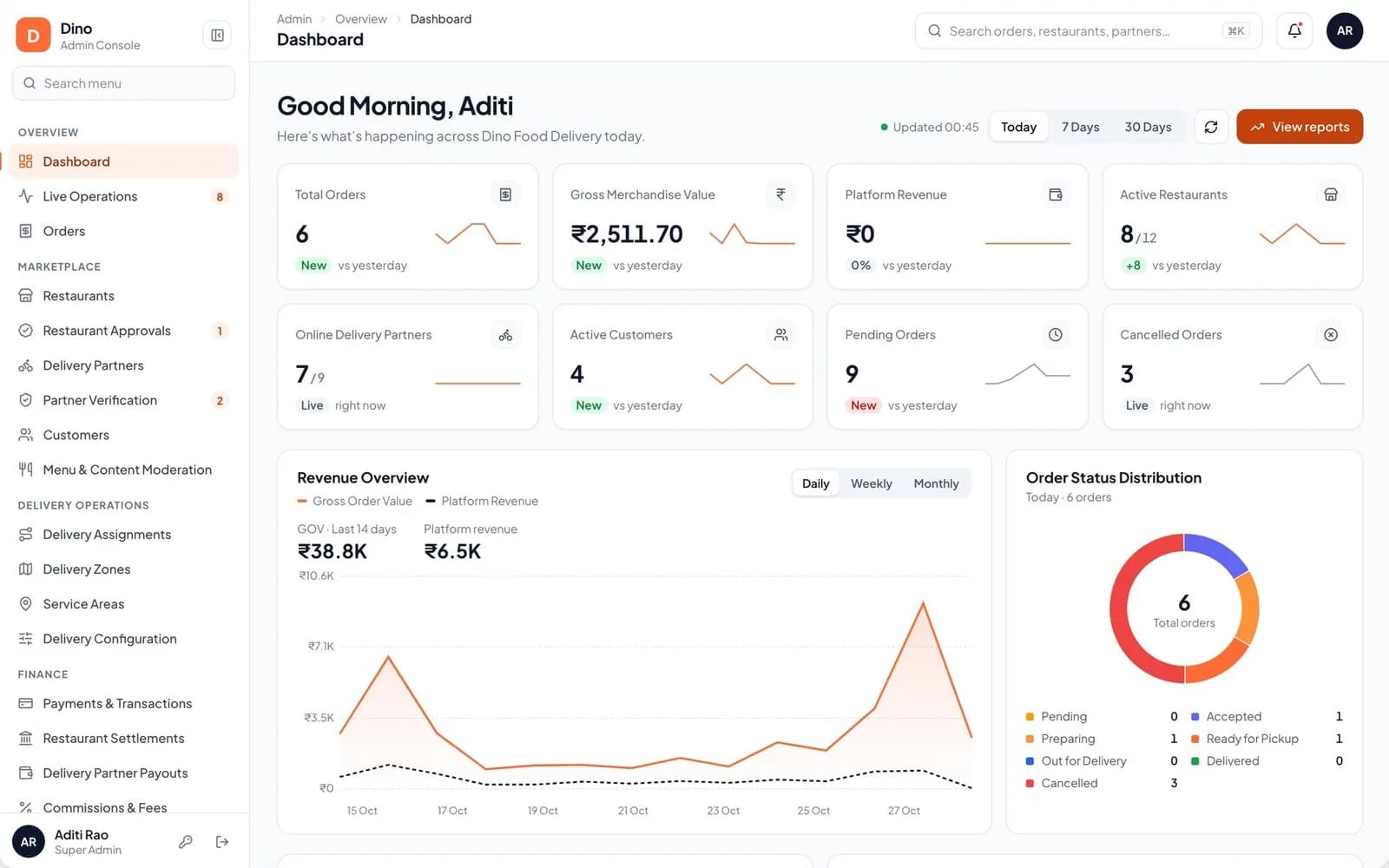
Dino Food Delivery is a white-label, multi-restaurant food delivery platform with an admin console, a restaurant portal, a Flutter customer app and a Flutter delivery partner app on one backend, with auto-dispatch, OTP handover, maker-checker finance controls and weekly settlements, sold with the source code.
Explore Next
- Learn about our web application development services
Want Dino Food Delivery Under Your Brand?
Rebrand Dino Food Delivery with your logo and domain, or have it customized for your workflow. All quotes are customized and private.
Related Articles
White-Label Food Delivery App: How to Launch Your Own Delivery Marketplace
What a complete food delivery platform includes, how white-label compares with a custom build or a monthly SaaS, what it costs to run, and the launch checklist for your own branded marketplace.
How to Start a Food Delivery Business in India: Licences, GST, Payments and Riders
A step-by-step plan for launching a food delivery app in an Indian city: picking the market, FSSAI and GST obligations, UPI and cash on delivery, rider pay, restaurant commission and launch costs.